Example detail
Stored learning example with evidence status below
Digital Marketing Campaign Essentials
An estimated 12-minute intermediate module example on campaign goals, channel selection, budget allocation and metric interpretation.
Structure
6
Screens with 2 interactive checkpoints
Difficulty
Intermediate
About 12 minutes, estimated from the example data
Delivery
Preview
Interactive learner preview and on-demand SCORM 2004 package
What this example proves
Section types in this stored example: context, flashcard, timeline, decision, question. Later edits not independently recorded. SCORM 2004 generated on download request; no per-example lms test recorded. Preview and package creation do not establish learner outcomes.
Interactive preview
Module · 6 sections · Fully interactive
Why most campaigns underperform
- Always define a measurable goal before choosing a channel
- Vague goals produce vague results
Why campaigns miss their KPI
Based on a survey of 1,200 marketing teams
Prompt in
Learn to plan, launch, and measure a digital marketing campaign across channels. Covers audience targeting, content strategy, budget allocation, and campaign analytics with interactive exercises.
Inside this example
What the stored output shows
Curated for marketing professionals and small business owners with a intermediate learning curve.
2 interactive checkpoints across context, flashcard, timeline, decision, question.
One short brief became a six-section module with six metric flashcards, an eight-week campaign timeline, a branching budget decision with per-option consequences, a scored ROAS calculation check and two data visualisations.
SCORM + hosted plus a reusable prompt seed for your review workflow.
Learning objectives
Section walkthrough
What the learner sees
Navigate through sections using the interactive preview above.6 screens with 2 interactive checkpoints.
Related examples
Keep browsing adjacent use cases.
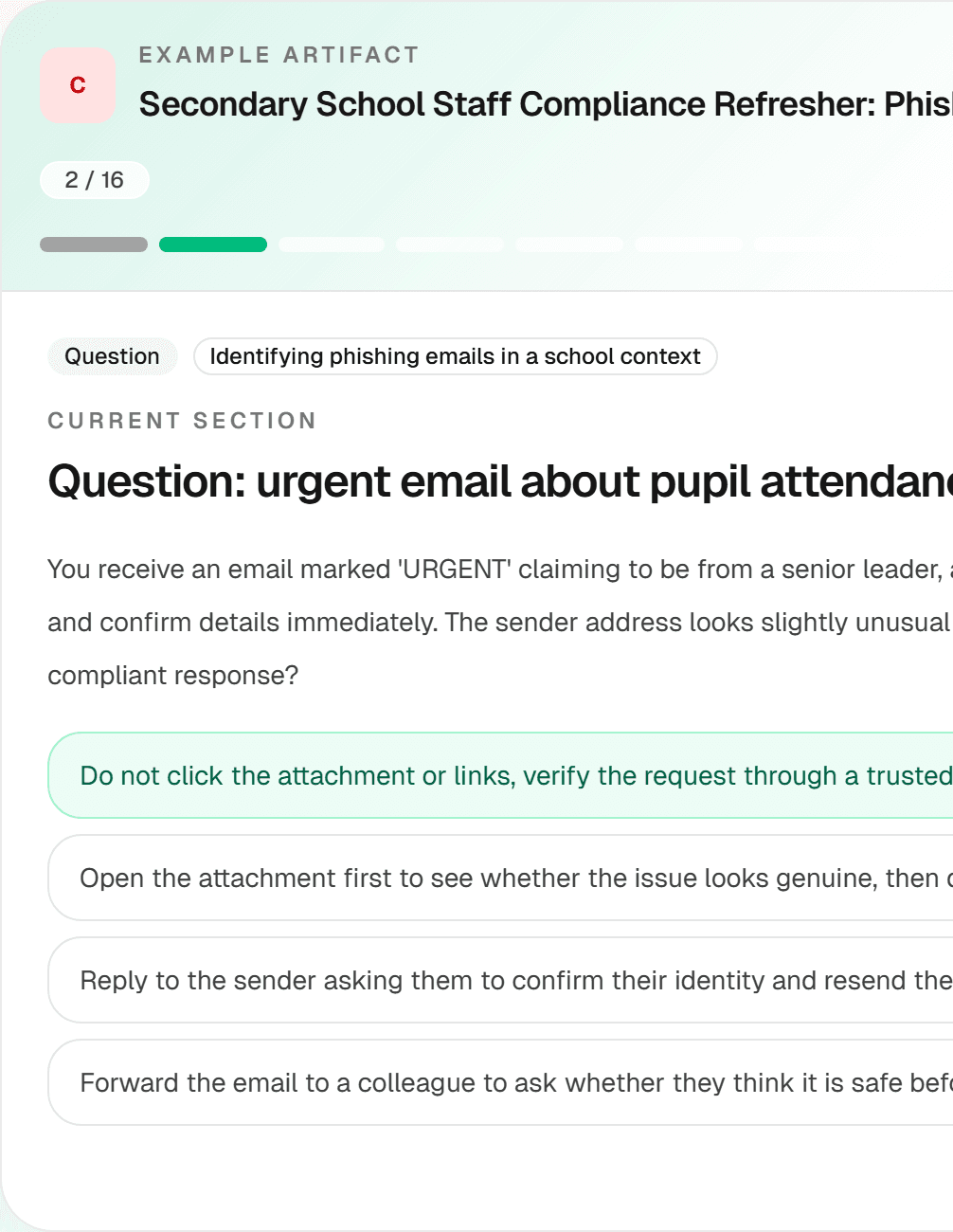
School Staff Cybersecurity and Data Protection Refresher
A phishing and pupil-data-protection refresher example for secondary school staff. Its UK GDPR and school-policy references need qualified review before use.
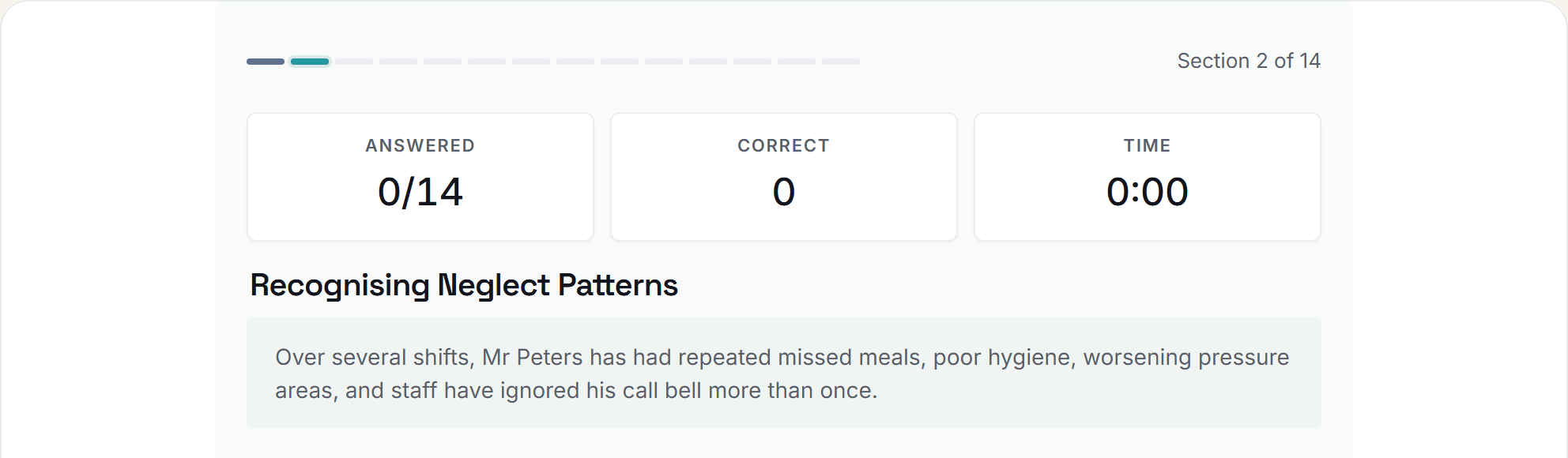
Safeguarding Adults End-of-Induction Competency Assessment for Care Home Staff
A safeguarding adults assessment example for care home induction. A qualified reviewer must check its Care Act references and local escalation steps before use.
Build your own version
Start from this prompt and make it yours.
Use this as an illustrative starting point, then generate and review a version tailored to your team, policy context and delivery workflow.