Free
£0
For testing the workflow
- 3 creations each month
- All nine formats
- Hosted delivery and SCORM 1.2/2004 export
- 30-day creation-history access
- Unwatermarked output and custom branding
- 1 single-section AI edit/month and 1 assistant turn/month
Policy to interactive training
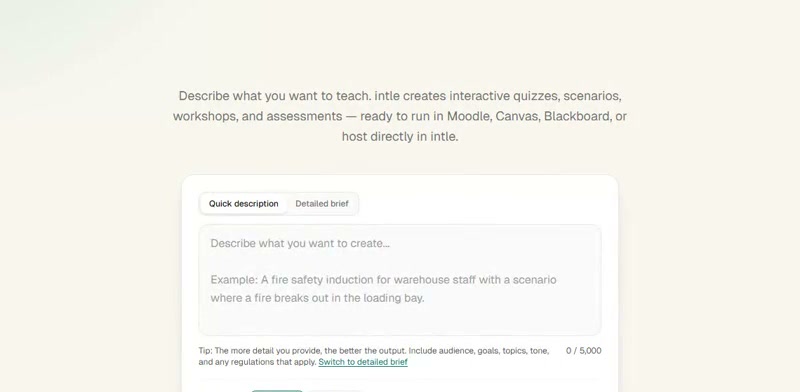
Upload a PDF, DOCX or PPTX. Intle proposes a learning structure, builds the interactive content and keeps every section open for review. When it is ready, share a hosted link or export SCORM 1.2 and 2004.
Three free creations each month. No card required.
Real product excerpts
Describe the learning job
Illustrative policy-to-training example
Upload the organisation's current data-handling policy and identify its owner and effective date.
Check that the proposed modules cover reporting, secure sharing and escalation; correct omissions before generation.
Let a learner choose what to do with a misdirected customer file in a branching decision.
Explain why the chosen action is safe or unsafe, then have a qualified policy owner approve it.
This shows a possible workflow, not a generated or legally approved course. Intle does not establish the policy's factual or regulatory accuracy.
Static documents tell people what exists, but they do not automatically create practice, decisions, feedback or evidence of completion. Rebuilding that material screen by screen takes attention away from the judgement that matters: what people need to understand, do and remember.
Intle handles the first structured build. You remain responsible for reviewing the learning flow, checking the source interpretation and approving the final content.
How it works
Step 1
Describe the training in plain English or upload a PDF, DOCX, PPTX, TXT or common image file up to 10 MB.
Step 2
Check the sections and questions before the full build. Edit the plan or cancel it if the direction is wrong.
Step 3
Review the learning content, questions and feedback. Edit sections manually, or use plan-included AI edits where available.
Step 4
Share a hosted experience or export SCORM 1.2 and 2004. Test the exported package in your own LMS before rollout.
Nine formats
Free, Starter and Premium can use the same supported interactive structures, including branching and hotspots, when their independent activity flags are enabled and output passes review.
Inspectable evidence
Open a real generated example, move through its interactions and download a sample package where available. Intle publishes what has been checked and what is still pending in its LMS evidence matrix.
Hosted sessions use Intle's live service. A SCORM download is a fixed copy: after editing the source, export a new package and replace the upload in your LMS. Package media and tracking may depend on the LMS and network configuration.
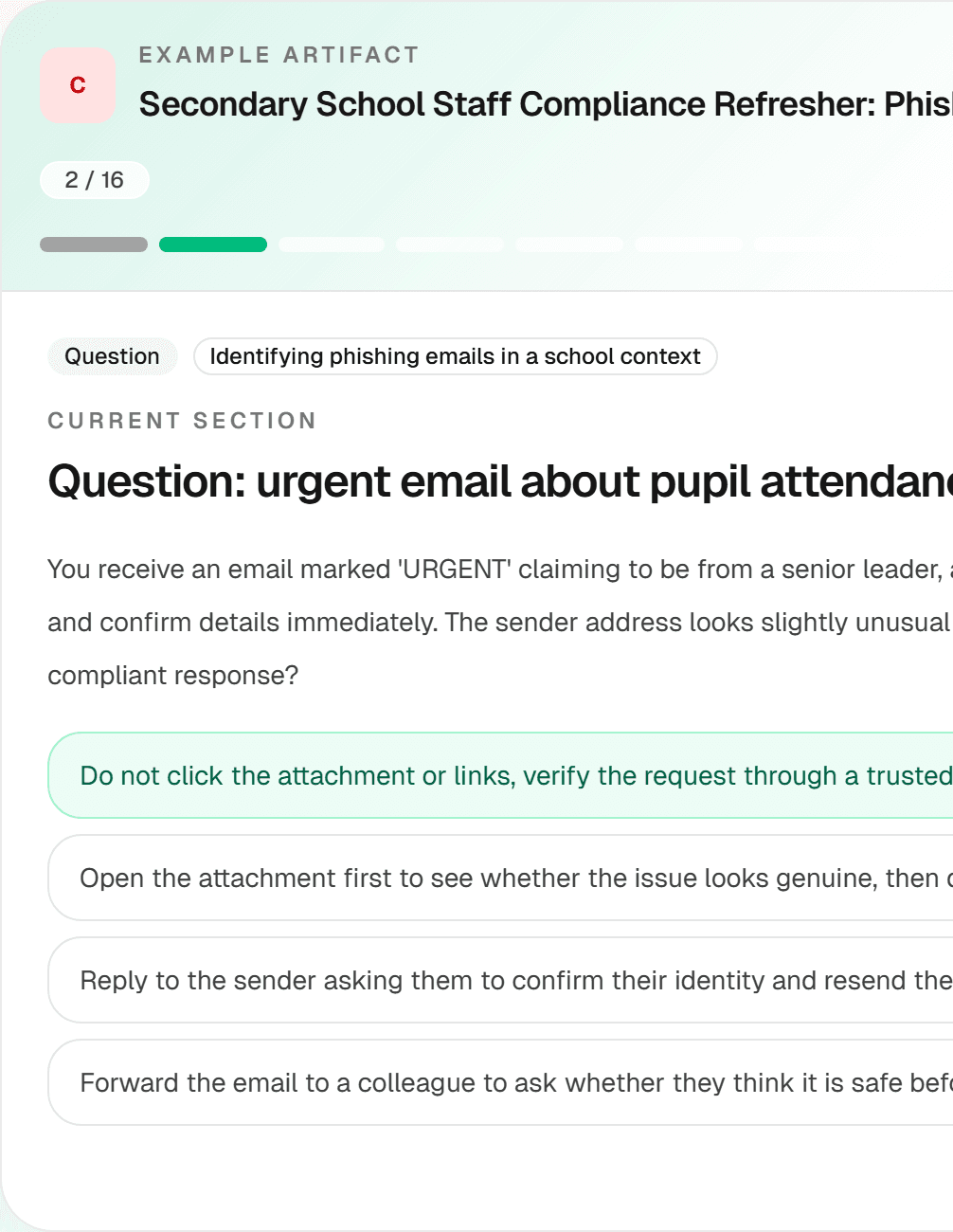 School staff cybersecurity and data protection
Plans
£0
For testing the workflow
£9.99/month
For regular internal production
£29.99/month
For deeper, repeated production
Every plan produces unwatermarked output. Upgrade when you need more monthly capacity.
Questions before you start
Yes. Review the proposed structure, inspect the generated content and edit individual sections before you host or export it. AI-generated content still requires human approval.
Intle exports both SCORM 1.2 and SCORM 2004. Compatibility depends on the receiving LMS and its configuration, so check the published evidence matrix and test your package before rollout. Check the LMS evidence matrix.
No. Free includes three creations each month and does not require a card.
All individual plans share the supported creator toolkit. Starter includes 20 creations, 10 hosted sessions and 4 single-section AI edits/month. Premium includes 80 creations, 80 hosted sessions and 20 single-section AI edits/month. Each changed section costs five Intle AI-edit tokens; the plan's history-access window also differs.
No. Intle can help structure a learning experience, but a qualified person must verify policy, legal, safety, medical and regulatory content before use.
Intle is working toward WCAG 2.2 AA; an external audit is pending. Review the current accessibility statement for known limitations and progress. Read the accessibility statement.
Start with the policy, deck or brief already on your desk. Review what Intle creates before you decide whether it belongs in your workflow.
Create your first training freeThree free creations each month. No card required.