Example detail
Stored learning example with evidence status below
Quarterly Cybersecurity Briefing: Phishing, MFA Fatigue, and Safe Hybrid Working
An estimated 20-minute cybersecurity briefing example with scored checkpoints on phishing, MFA fatigue, hybrid working, password managers and incident reporting.
Structure
12
Screens with 6 interactive checkpoints
Difficulty
Intermediate
About 20 minutes, estimated from the example data
Delivery
Preview
Interactive learner preview and on-demand SCORM 2004 package
What this example proves
Section types in this stored example: context, question, reading, flashcard, decision, key point. Later edits not independently recorded. SCORM 2004 generated on download request; no per-example lms test recorded. Preview and package creation do not establish learner outcomes.
Interactive preview
Presentation · 12 sections · Fully interactive
Chained Phishing and MFA Pressure
- Attackers often combine phishing with MFA-fatigue in the same incident.
- Unexpected prompts after a sign-in page are a sign to stop and report.
Prompt in
Create a quarterly cybersecurity briefing presentation for all staff covering current phishing and MFA-fatigue attack patterns, safe remote and hybrid working habits, password manager use, and how to report a suspected incident. Keep it engaging with knowledge checkpoints between topics rather than a slide dump.
Inside this example
What the stored output shows
Curated for whole-organisation staff with a intermediate learning curve.
6 interactive checkpoints across context, question, reading, flashcard, decision, key point.
One prompt became a 12-section briefing with six scored checkpoints across five interaction formats (single-select, multi-select, matching, ordering and a graded decision), a six-card MFA flashcard deck, a phishing-lure bar chart and an incident-reporting flowchart, assessed at an 80% pass mark.
SCORM + hosted plus a reusable prompt seed for your review workflow.
Learning objectives
Section walkthrough
What the learner sees
Navigate through sections using the interactive preview above.12 screens with 6 interactive checkpoints.
Regulation context
Compliance references carried into the output
Related examples
Keep browsing adjacent use cases.
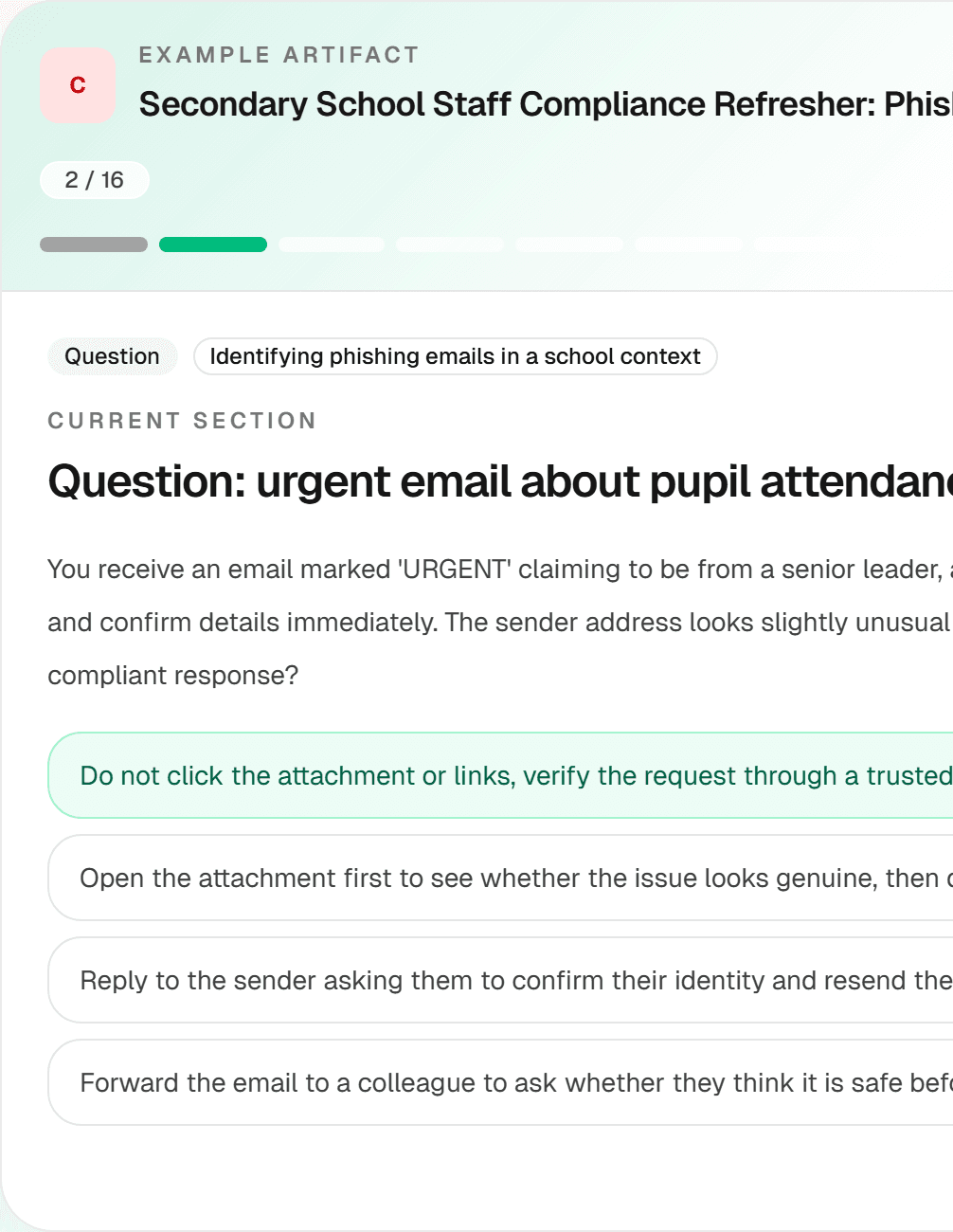
School Staff Cybersecurity and Data Protection Refresher
A phishing and pupil-data-protection refresher example for secondary school staff. Its UK GDPR and school-policy references need qualified review before use.
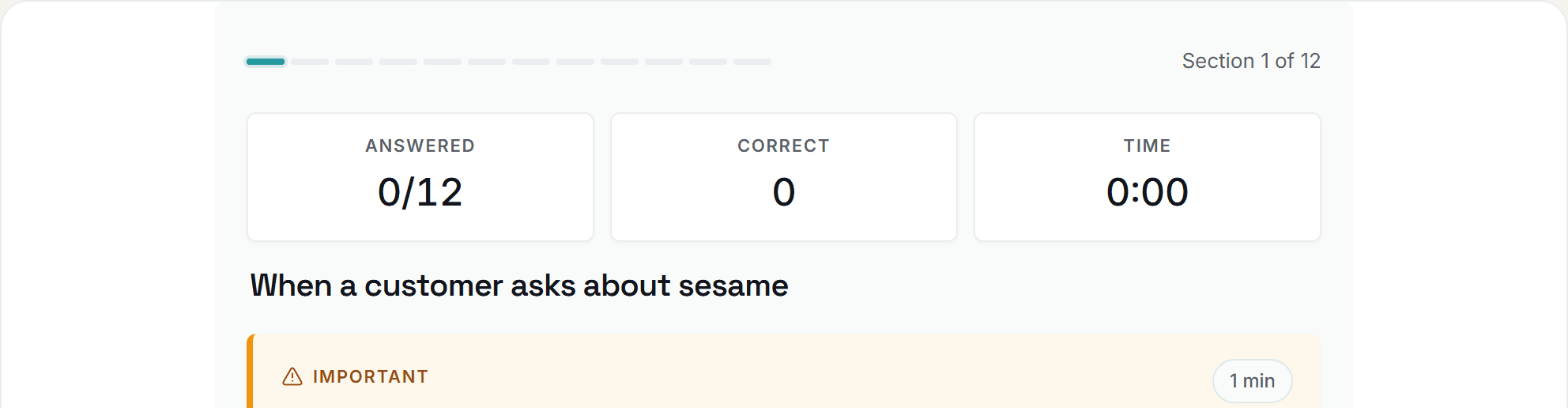
Food Allergen Awareness for Front-of-House Staff: UK Practical Quiz
A twelve-section UK allergen awareness quiz example for front-of-house teams. Review its legal references and current local procedures before training staff.
Build your own version
Start from this prompt and make it yours.
Use this as an illustrative starting point, then generate and review a version tailored to your team, policy context and delivery workflow.